
3 · Your first project#
A project groups the characters of one production (a game, a film, a series of
commissions). On disk it is simply a folder you choose, marked by a single
.dcsp project file — keep it wherever you keep that production's files,
back it up with them, and you're done.
Create it#
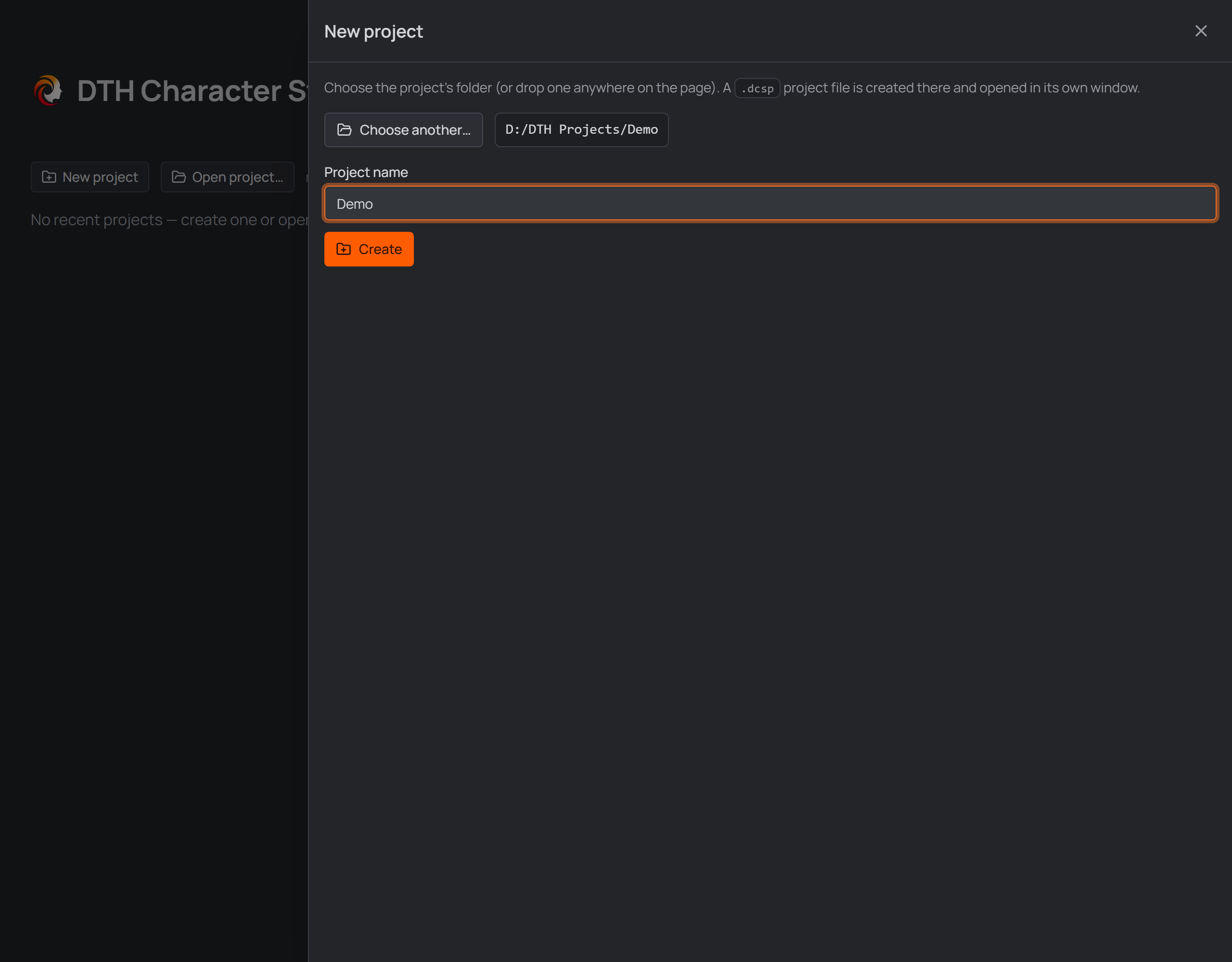
The New project panel on the Home screen.
- On the Home screen press New project.
- Choose folder… — pick the folder the project should live in. You can also just drop a folder anywhere onto the Home screen.
- Give it a Project name and press Create.
The project opens in its own window. From now on you can also open it by
double-clicking the .dcsp file in Explorer, or from the Home screen's recent
list:
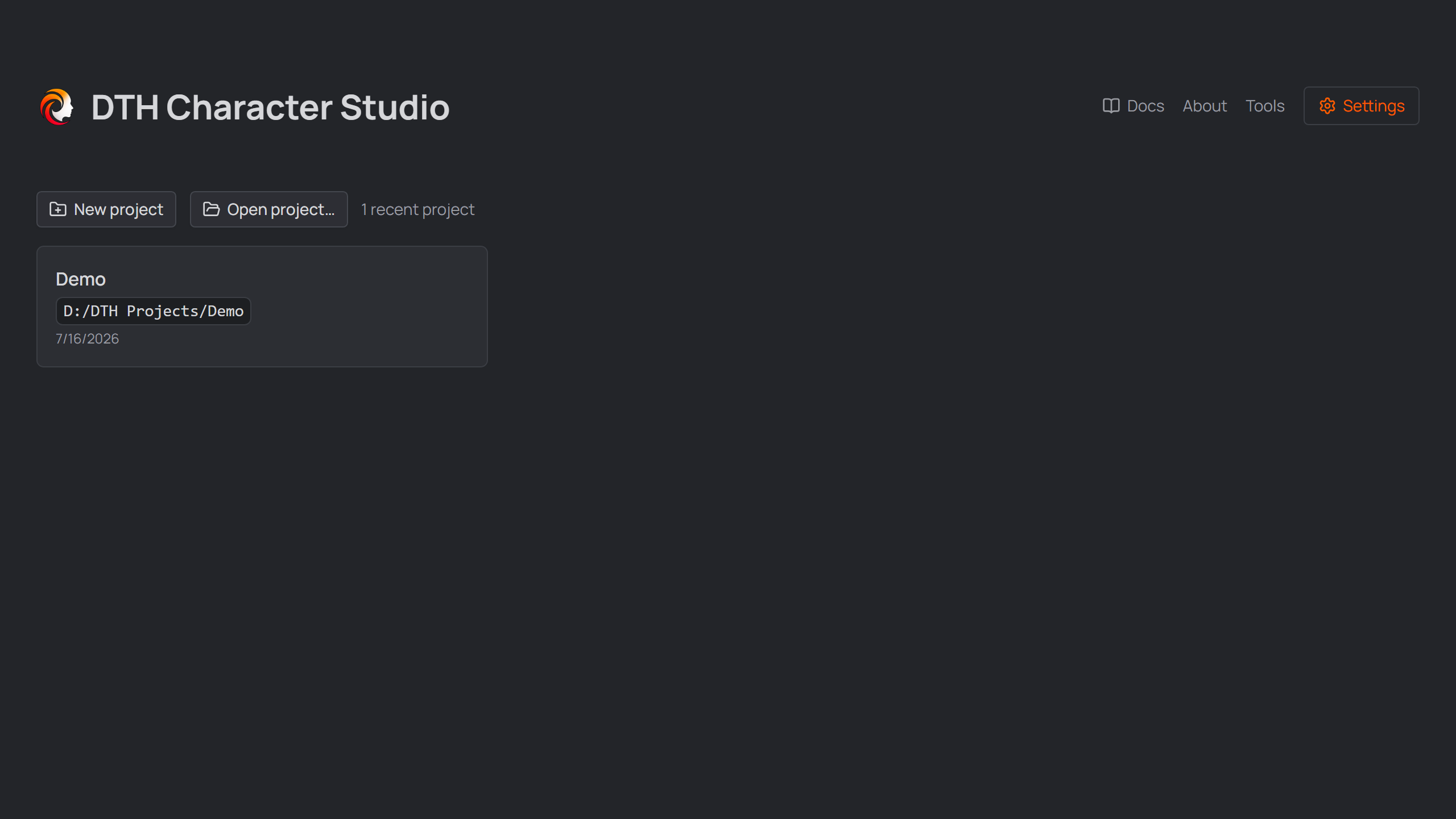
The Home screen — recently opened projects reopen with one click.
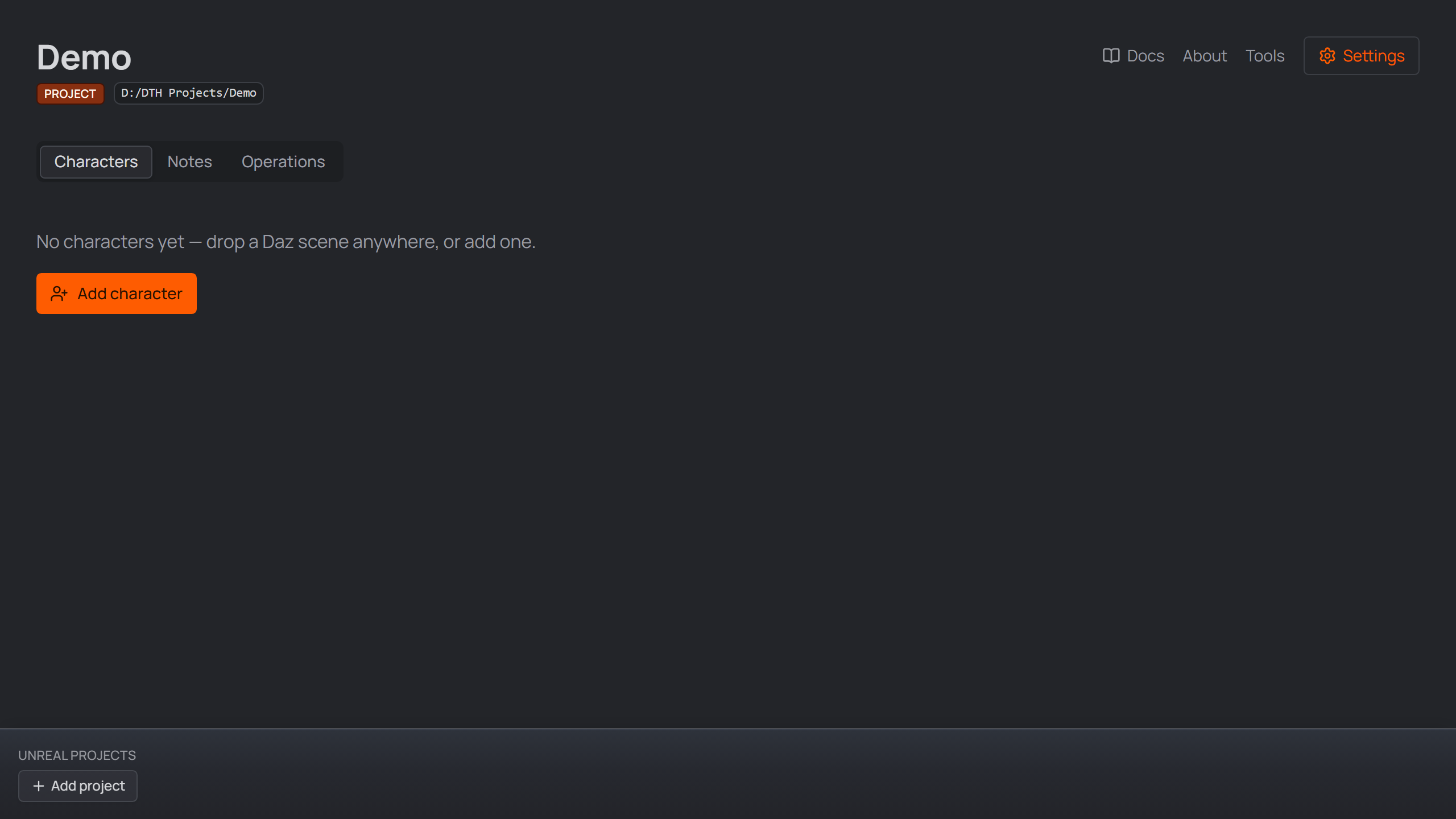
The project opens in its own window.
Good to know#
Every character you create becomes a subfolder of the project — definition, scenes, and generated files live together, so the project folder is fully self-contained and portable.
The project page has more tabs beside Characters: Notes (freeform markdown for the whole project — images can be dropped straight in) and Operations (the project-level danger zone: deleting the project, which refuses while its files are open in Daz or Houdini). Enabling Assets adds an Attachments tab.
Per-project options (folder layout, the optional Assets and Daz Products features) live in Settings → Project — the defaults are fine for a first run. One is destructive: changing Characters subfolder later moves the existing character folders (their scene and Houdini links are repointed).
Path chips — the monospace path badges all over the app — copy the full path on click; Alt+click opens the location in Explorer (for a file, its folder). Where a chip carries a pencil, it edits the value in place. The same Alt+click works on every linked card — Daz scenes, Houdini projects and Unreal projects.

Hover shows the copy badge; a click copies the full path.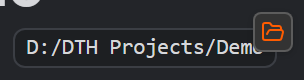
Holding Alt flips the badge to a folder — Alt+click opens the path's location in Explorer.
Linking Unreal projects#
The bar docked to the bottom of the project window holds the Unreal
projects this studio project feeds. Link one or more .uproject files with
the button or by dropping them onto the bar — links only: the files stay where
they are, and unlinking never deletes anything.
- The open button on a card launches the project in Unreal Engine; Alt+click shows it in Explorer instead. The card's path chip works like every path chip (click copies, Alt+click reveals). The rest of the card is inert — no accidental launches.
- The small install button on each card opens the install dialog: what
goes into this Unreal project — the linked DTH release's Unreal Engine
Content (into
Content/DazToHue), the DTH Character Studio Runner — marked built in, because it ships inside the app rather than coming from your plugin folders (and carries a version, so a card shows an amber ⚠ when its project holds an older copy than the app ships — re-install and restart the editor once); it is the small Python plugin that makes Send to Unreal work, so restart the editor once after installing it — plus every plugin build from your Unreal Engine Plugins folders that matches this project's engine version (read from its.uprojectwhen the dialog opens). Everything is pre-checked; uncheck what you don't want and press Install. A checked item that is already in the project is overwritten with the offered build (project-local additions inside the folders survive — installing never deletes first). The button dims onceContent/DazToHueexists, but stays clickable — reinstalls and plugins live in the dialog. A project whose engine association is a source-build GUID lists every build unchecked instead: only you know what fits it. - Creating the Unreal project itself is Unreal's job — its New Project screen is where the templates live (Third Person, Blueprint vs C++, the starter content), and picking the right one for a production is a decision worth making there. Make the project in Unreal, then link it here and use the install button.

A linked Unreal project card in the footer bar.